What Are the Risks of Sharing My Email Address Without a Password?
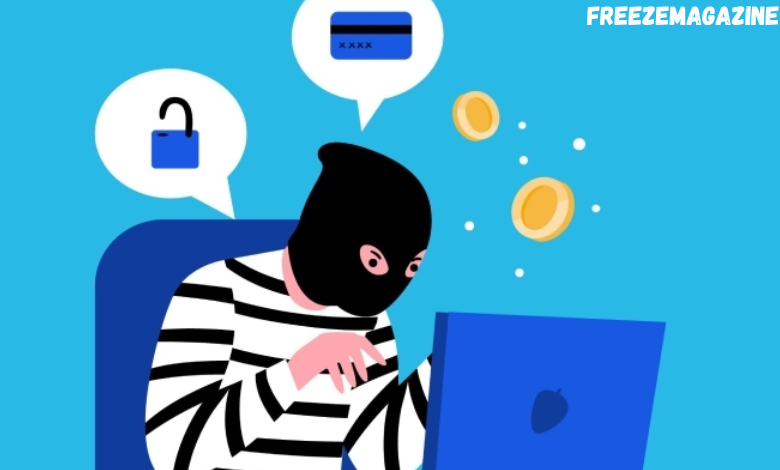
Most of us hand out our email addresses without thinking twice. It feels harmless. However, over time, that same email gets linked to shopping accounts, social profiles, subscriptions, and personal conversations.
It’s a real possibility that your email address might show up in the wrong hands at some point. It’s easy to brush it off and assume there’s nothing to worry about unless someone has your password, but that’s not always the case.
Even without direct access to your inbox, an email address can still be used in ways that are invasive or risky. This guide answers the burning question: “What Are the Risks of Sharing My Email Address Without a Password?”
What Are the Risks of Sharing My Email Address Without a Password? Things to Be Cautious About
Below are some common ways someone can use your email address without needing your password.
Send Targeted Phishing Emails
One of the most common ways someone can use your email address is to send phishing emails. These aren’t always the obvious scam messages full of spelling mistakes. Many are fabricated to look real and personal.
A scammer might pretend to be your bank, a delivery company, or a service you frequently use. Since they already know your email address, the message feels more believable. The goal is to trick you into clicking a link, downloading a file, or entering personal information, such as passwords or card details.
Even if you don’t fall for it, these emails can still be annoying to deal with.
Figure Out Where You Have Accounts
Your email is commonly utilized as your username. That makes it easy for someone to test it across different websites to see where you have accounts.
For example, they might try your email on popular social media platforms to check if it’s already registered. Over time, this helps them build a picture of your online presence. Knowing where you have accounts makes it easier for them to target you with more specific scams or fake login alerts.
Impersonate You
Someone doesn’t need your password to impersonate you. With just your email address, they can send messages that look like they’re from you, especially if they create a similar-looking address.
They might contact friends, coworkers, or even clients and ask for money, gift cards, or sensitive information. These messages often say things like, “I’m in a hurry” or “I can’t talk right now,” which pushes people to act quickly.
Dig Up Personal Information About You
Your email address can serve as a starting point for finding more details about you online. When combined with public records, social profiles, or old data leaks, it can reveal things like your full name, phone number, city, workplace, or social media accounts.
Some people use an email lookup to see what public information may be connected to an email address. While these tools are often used for legitimate reasons, scammers can use similar methods to gather data and plan more convincing attacks.
The more information they find, the easier it is to pretend they know you or to target you successfully.
Sign You up for Spam or Subscription Bombing
Another thing someone can do is sign you up for hundreds of newsletters, mailing lists, or promotional emails all at once. This is sometimes called subscription bombing.
The flood of messages can bury important emails, like security alerts or password reset warnings. It can also make it harder to notice real issues happening in your accounts.
Attempt Account Recovery Attacks
Even without your password, someone can still try to reset it. Many websites allow password reset requests using just an email address.
You’ll usually receive a reset email, but repeated attempts can be unsettling. In some cases, scammers send fake “reset” emails themselves, hoping you’ll click a link and enter your details on a fake page.
This is why it’s important to slow down and double-check any email asking you to take action.
How to Protect Yourself
Start by enabling two-factor or multi-factor authentication for your most important accounts, including email, banking, and social media. It adds a quick extra step when you log in, but it makes it much harder for someone else to access your account, even if they try.
Also, make sure you’re using strong passwords for each website. Reusing the same password everywhere makes things easier for hackers. Using different passwords helps limit the damage.
It also helps to be cautious with emails in general. If a message asks you to click a link or download something, always double-check it. When something feels off, it’s safer to go directly to the company’s website instead of clicking through the email.
Bonus tip: consider using email aliases when signing up for new services or newsletters. This keeps your primary email address private, so you don’t have to worry about spam emails. If one alias starts getting unwanted emails, you’ll know exactly where they’re coming from.
So, What Can Someone Do With Your Email Address?
They can’t log in directly, but they can still cause trouble through scams, impersonation, spam, and data gathering. You should always treat your email like personal information, stay alert, and take a few extra steps to protect it.





Post Comment